
Generate High-Converting Amazon Listing Images From One Photo or ASIN
Skip the studio queue and photographer invoices. Upload one smartphone photo or import a live ASIN, and Nozam generates a 7-slot set of Amazon listing images, with each slot mapped to real buyer objections and checked against Seller Central image rules before export.
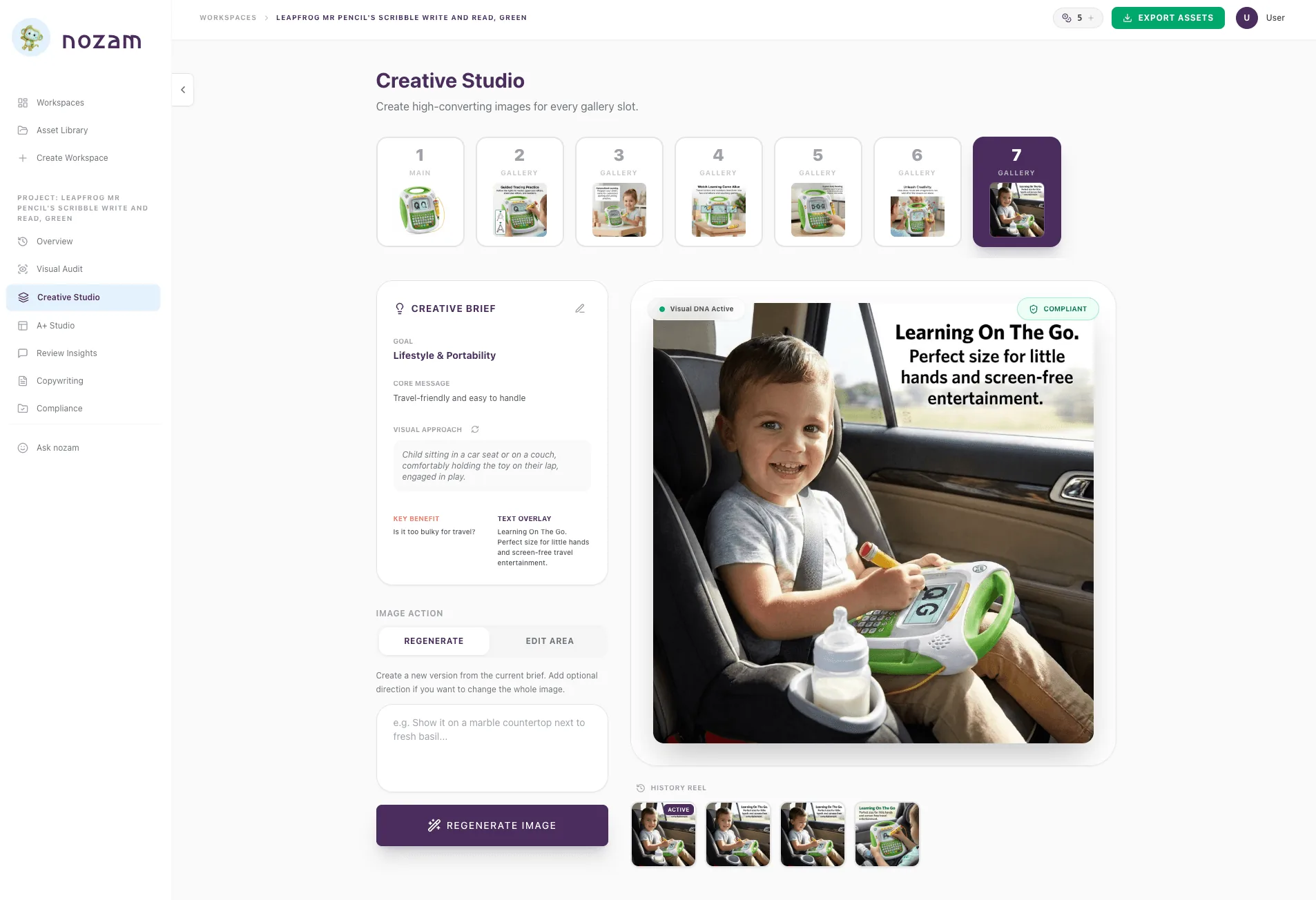

- Step 01Import ASIN or upload photoQuick Launch with a photo or import directly from Amazon.
- Step 02Lock Product Truth & Visual DNA™Geometry, materials, and negative rules are fixed.
- Step 03Generate on the Frame BoardReview mined blueprints produce 7 objection-killing slots.
Generate All 7 Amazon Listing Images From One Photo or ASIN
Upload a clean smartphone photo or import an existing ASIN from Amazon. Visual DNA™ maps your product's geometry, surface textures, reflectivity, and printed branding alongside your Product Truth rules (what's in the box, exact dimensions, materials, and what not to show). It then builds your 7-slot gallery: main hero, dimension breakdown, lifestyle scene, competitor objection-killer, and packaging flat lay. If one detail needs a tweak, use region inpainting on the Creative Frame Board to edit that spot without regenerating the whole image.
- ASIN OR PHOTO INPUT
- 7-SLOT GALLERY
- PRODUCT TRUTH LOCKED
- REGION INPAINTING

Turn Competitor 1-Star Reviews Into Infographic Callouts
Most sellers fill their image slots in whatever order the photographer delivered the files. Nozam connects to live Amazon marketplace data across 12 marketplaces to mine competitor 1-star and 2-star reviews. If buyers in your category repeatedly complain that a product is hard to clean, Slot 2 becomes a dishwasher-safe visual callout. Every slot gets a clear job based on real buyer objections.
- REVIEW MINING
- OBJECTION MAPPING
- 7-SLOT BLUEPRINT
Pre-Check Pure White (RGB 255) and 85% Frame Fill Before Export
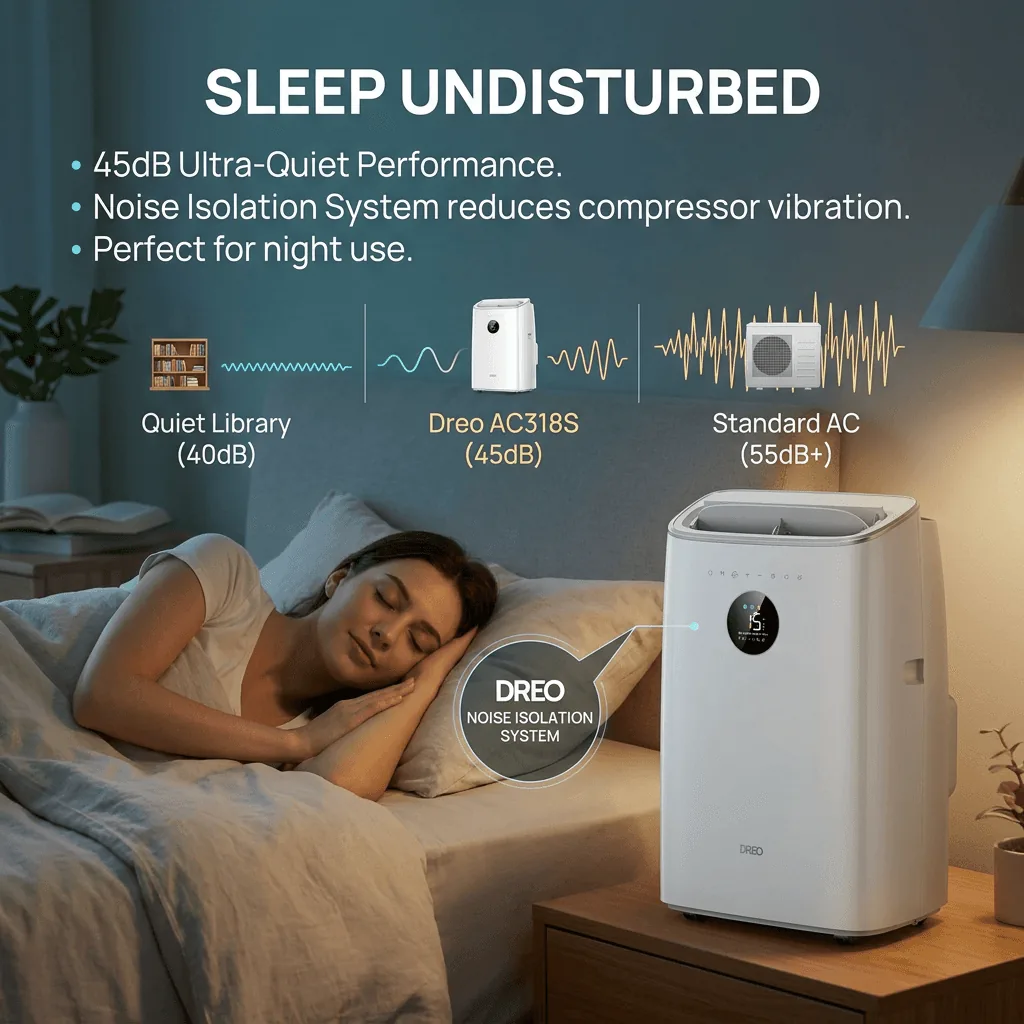
Amazon's image checks suppress listings without warning if your main image background is off-white (such as RGB 254, 254, 254) or if the product fills less than 85% of the canvas. Compliance Guard checks pixel values, product fill ratio, text restrictions, and resolution (confirming zoom activates above Amazon's 1,000 px threshold) before you download.
- RGB 255 CHECK
- 85% FILL AUDIT
- PRE-UPLOAD VALIDATION
The 7-Image Framework for High-Converting Amazon Listing Images
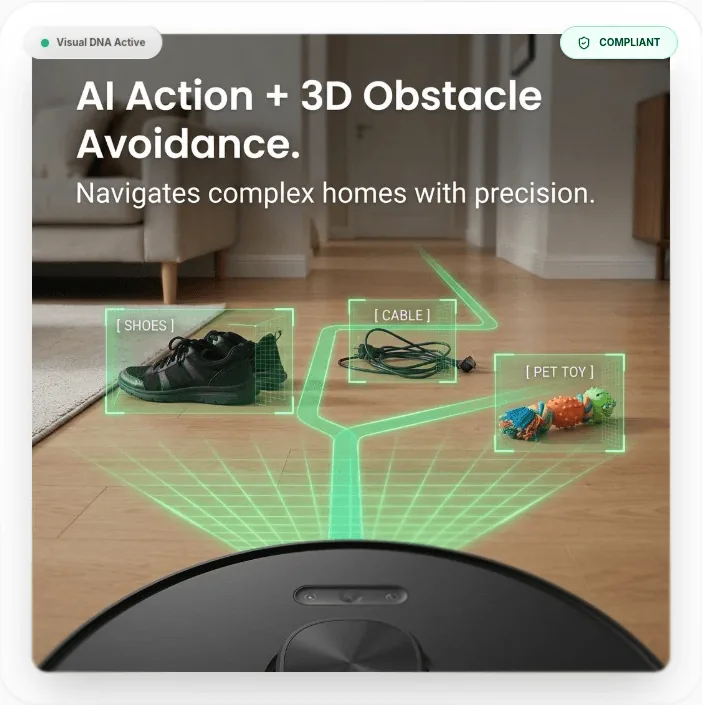
While Seller Central lets you upload up to 9 media files, Amazon's desktop gallery displays 7 thumbnails by default. Here is the job each slot performs in a 7-image stack:
Slot 1: The Click-Magnet Hero
Pure white background (RGB 255, 255, 255), 85%+ frame fill, tight crop.Its sole job is earning the click on the search results page. Shoot straight-on or at a slight 3/4 angle with balanced lighting to show depth. No props, inset graphics, or text overlays.
Slot 2: The Core Problem / Primary Benefit
Infographic with high-contrast text and benefit callouts.Answers why the shopper searched for this product in the first place. Shows the main functional advantage within the first swipe on mobile.
Slot 3: Real-World Scale & Dimensions
Exact measurements paired with familiar reference objects.Sizing confusion is a major driver of returns across Amazon. Showing the item next to hands, a phone, or a common household object clarifies scale before purchase.
Slot 4: Aspirational In-Use Lifestyle
Contextual environment reflecting your target buyer.Helps the shopper picture owning and using the product, like a kitchen tool on a real counter or camping gear in outdoor daylight.
Slot 5: The Competitor Objection-Killer
Direct visual proof addressing common 1-star competitor complaints.Targets the top complaints in your category (leaks, weak zippers, tricky assembly) and shows the reinforced part, seal, or hardware that solves the flaw.
Slot 6: Material & Engineering Macro
High-definition close-up of craftsmanship, textures, or internals.Proves build quality and justifies your price over generic alternatives. Focuses on details like 304 stainless steel, double-stitching, or tight tolerances.
Slot 7: 'What's In The Box' Flat Lay
Complete overhead inventory of every included part and accessory.Prevents negative reviews caused by mismatched expectations. Shows every included cord, battery, manual, and attachment defined in your Product Truth rules.
Want the full strategic breakdown with examples? Read our in-depth guide to The Amazon 7-Image Slot Strategy or review the Amazon Listing Image Requirements for 2026.
Why Sellers Switch From Studios
Why ship samples to a studio and wait weeks for results? One Nozam workspace
covers the work of a photographer, designer and copywriter.
Traditional
- Studio Fees for Every SKU
- Shipping Samples & Waiting Weeks
- Paying Extra for Infographics
- Multiple Tools, Multiple Logins
- Guessing What Images Convert
- Risk of Amazon Suppression
- Inconsistent Branding
- Paying for Every Revision
Nozam
- About $3.40 a Listing
- Upload Smartphone Photos or Import ASIN
- 7-Slot Strategic Blueprint
- Competitor Review Mining
- Automated Compliance Guard
- Integrated SEO Copy Engine
- Visual DNA™ Identity Lock
- Targeted Region Inpainting
Listing Image Generator FAQs
How does Nozam keep my product look consistent across all 7 images?▾
Generic AI generators invent buttons, warp logos, and change proportions on every prompt. Nozam sets Product Truth rules and uses Visual DNA™ to lock your product's geometry, materials, and labels from your source photo or ASIN. Every scene renders around that locked item, and you can use region inpainting on the Creative Frame Board to tweak specific zones without redrawing the product.
Will these images pass Amazon's main image policy?▾
Yes. Every image runs through Compliance Guard before download. For Slot 1, it verifies that background pixels are pure white (RGB 255, 255, 255), the product fills at least 85% of the frame, and no prohibited text, badges, or unincluded props appear. Any issue is flagged by severity (BLOCK, WARN, INFO) and fixed before export.
What resolution and file format do the generated images have?▾
All listing images export at 2,000 × 2,000 pixels (1:1 square) as sRGB JPEGs under Amazon's 10 MB file size limit. That doubles Amazon's 1,000-pixel minimum needed to activate hover-zoom on desktop and pinch-to-zoom on mobile, so shoppers can inspect labels, stitching, and surface finishes clearly.
Can I use a smartphone photo or ASIN, and how many credits does a listing take?▾
Yes. You can import an active ASIN across 12 Amazon marketplaces or upload a clear smartphone photo taken on a flat surface. Generating a full listing (strategy, copy, all 7 visible gallery images, and a few edits) uses about 36 credits, and unused credits never expire.